
Tool Development
PlotCraft
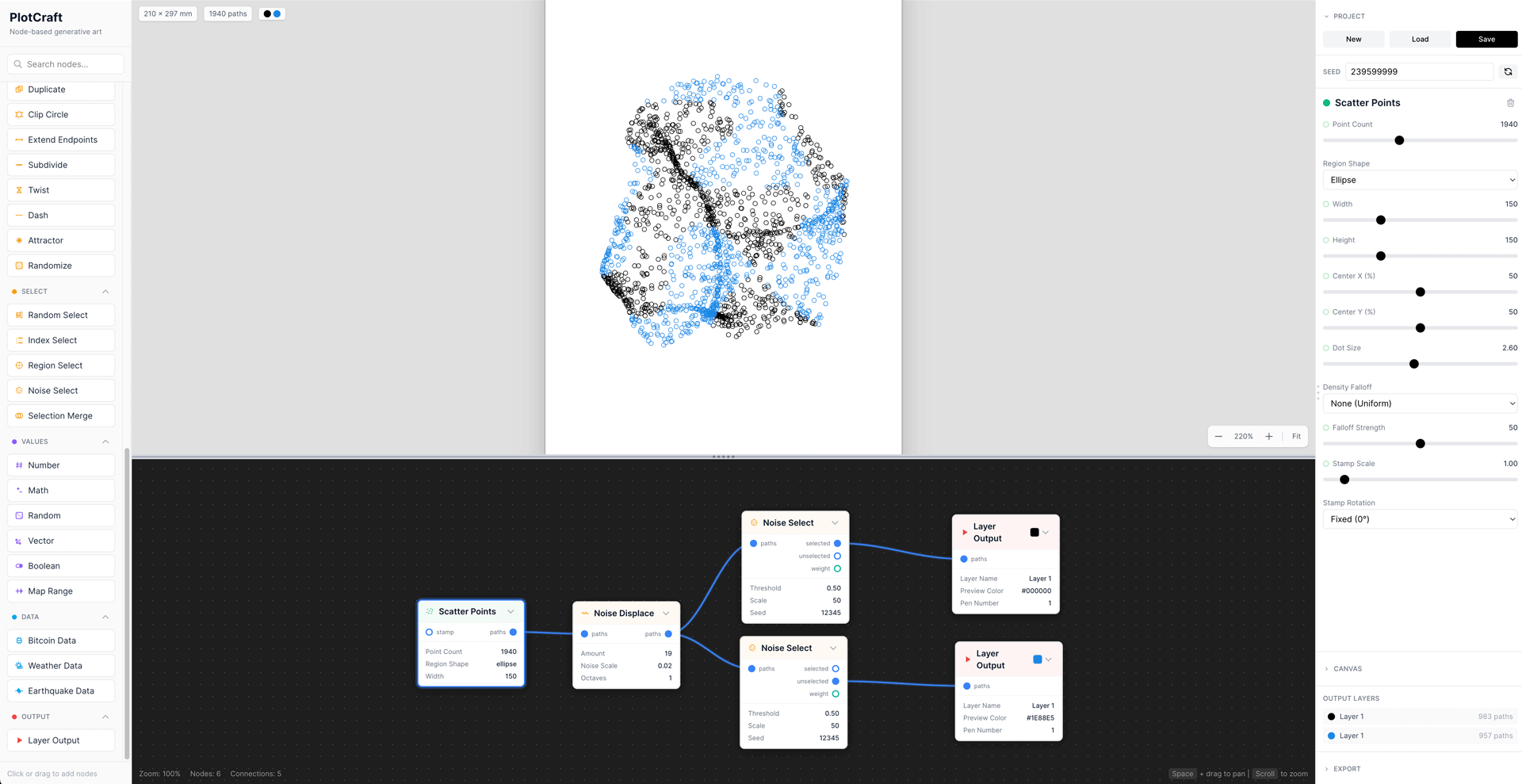
PlotCraft is a node-based generative art tool designed specifically for pen plotters. It allows artists and designers to create complex algorithmic artwork through an intuitive visual programming interface, then export optimized SVG files ready for plotting.
The tool bridges the gap between creative coding and physical output — bringing the flexibility of tools like TouchDesigner or Houdini to the world of pen plotting, without requiring users to write code.
 Try it Here
2026
Agency/Brand | Fake-Up
Role | Concept, Creative Direction & Development
The Challenge
Existing generative art tools are either code-heavy (Processing, p5.js) or not optimized for plotter output (Illustrator, Figma). Artists who want to create algorithmic plotter art often struggle with:
- - Writing and debugging code to generate patterns
- - Optimizing paths for efficient pen travel
- - Iterating quickly on complex designs
- - Managing multi-layer outputs for different pen colors
PlotCraft solves these problems with a visual, node-based approach where generators, modifiers, and selectors can be connected to build sophisticated artwork through experimentation rather than programming.
Key Features
Generators
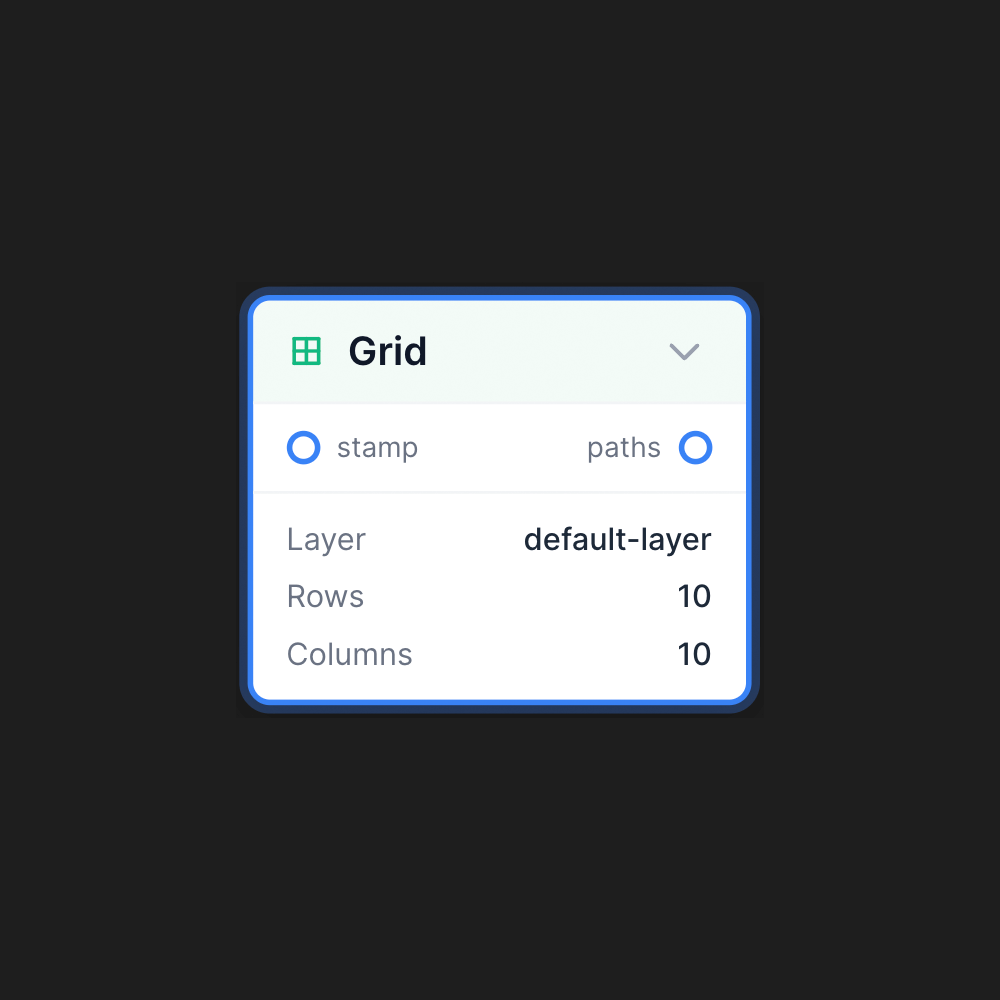
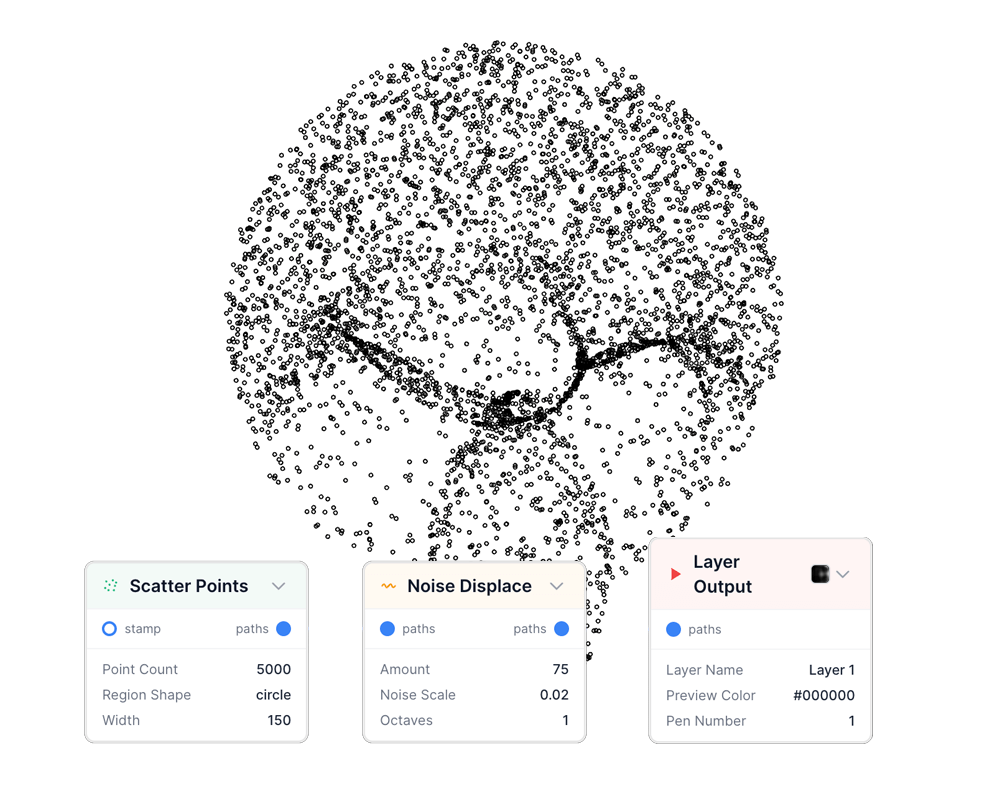
Create base patterns - grids, flow fields, scatter points, radial lines, spirals, Truchet tiles, and more.
Modifiers
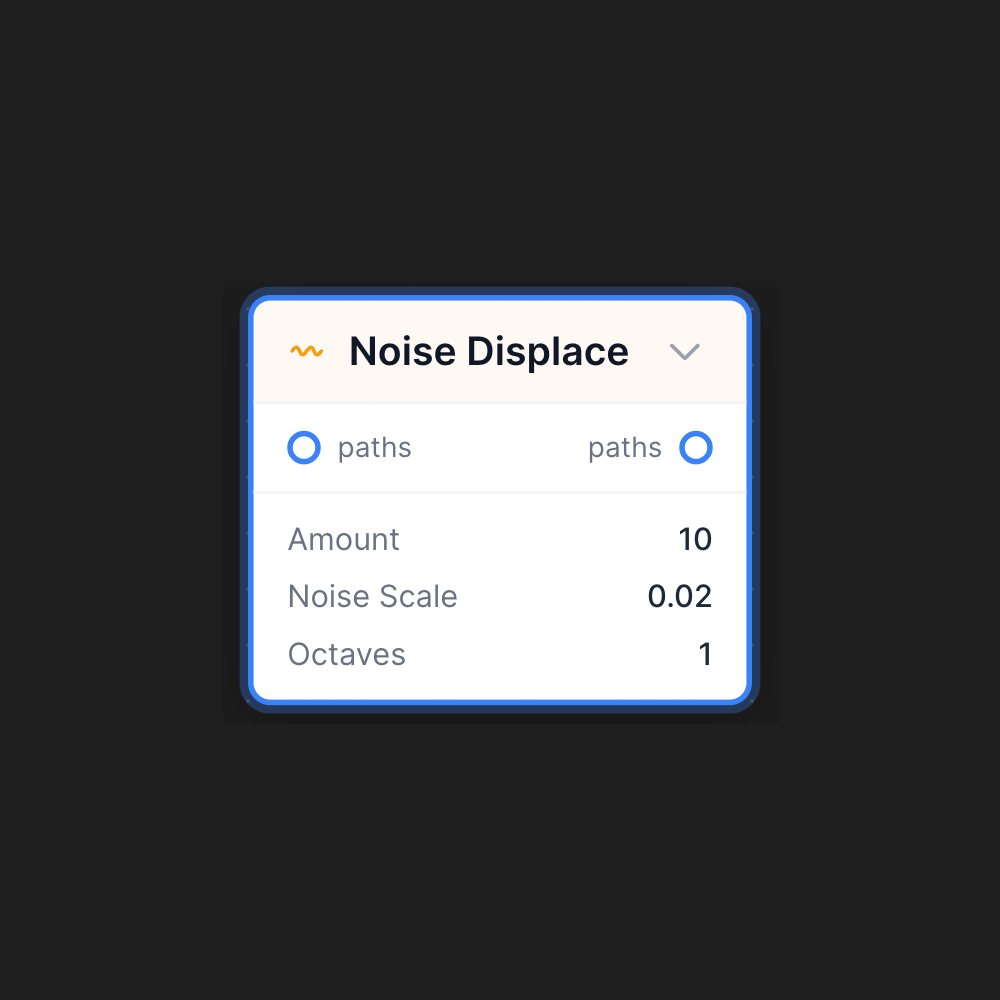
Transform paths — noise displacement, wave distortion, twist, scale, jitter, smooth, and a powerful new Randomize node with falloff control.
Selection System
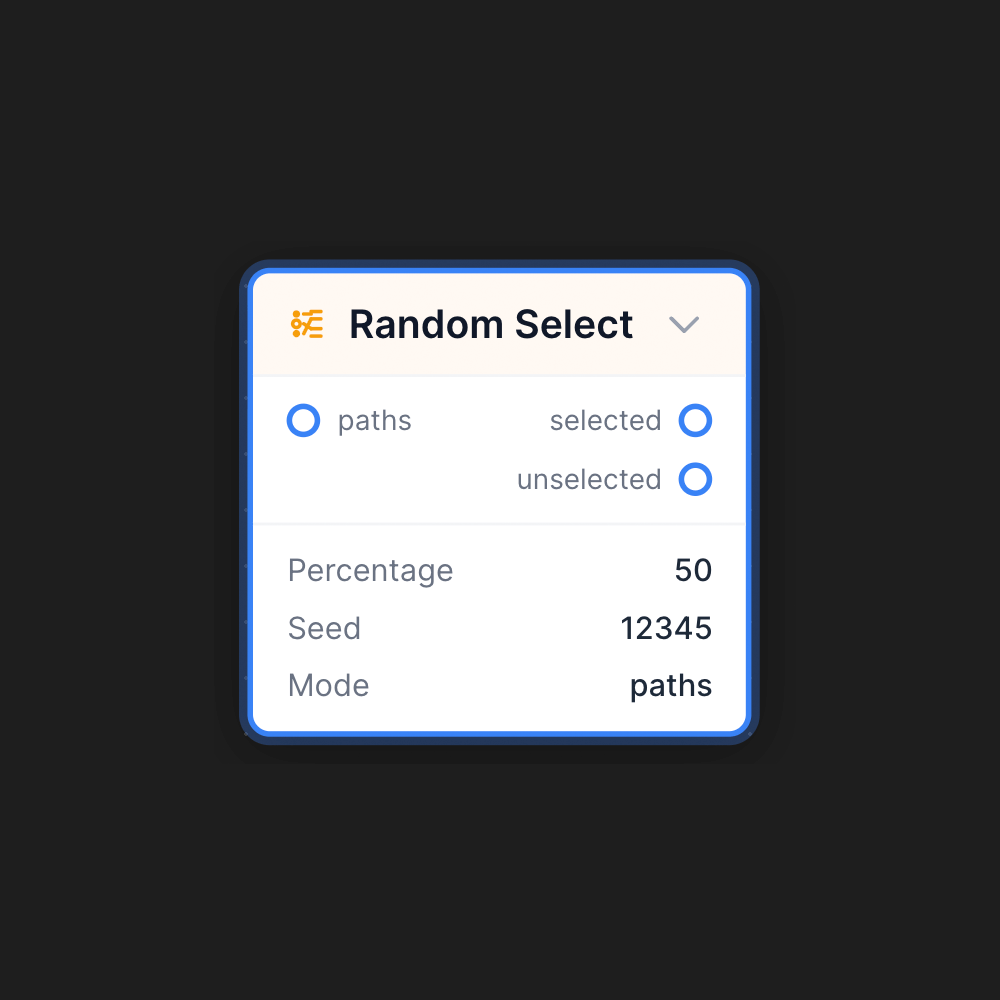
Enables targeted modifications - randomly select a percentage of paths, draw regions on-canvas to select spatially, or use noise for organic selections. Selected and unselected paths can be routed to different modifiers or output layers.
Data Integration
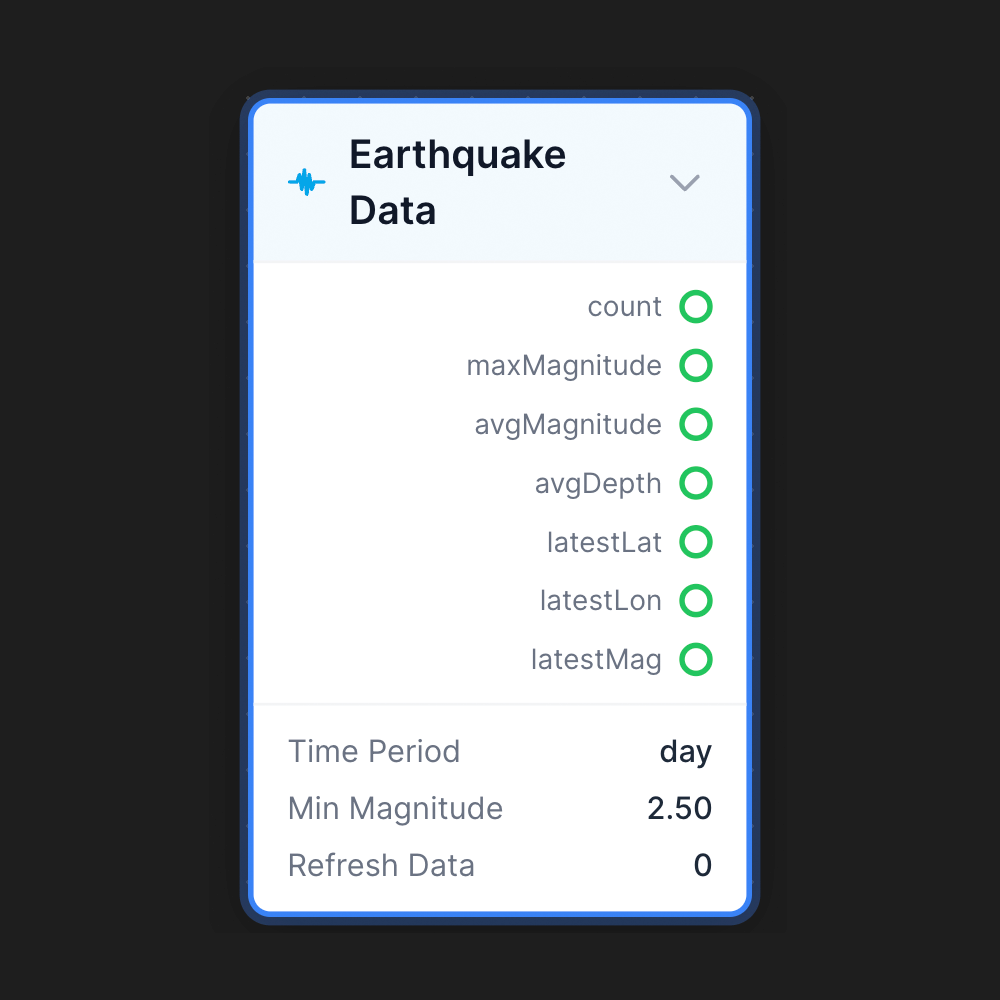
Pulls live data from external APIs - Bitcoin prices, weather, earthquake data - and maps values to visual parameters, enabling data-driven generative art.
Multi-Layer Output
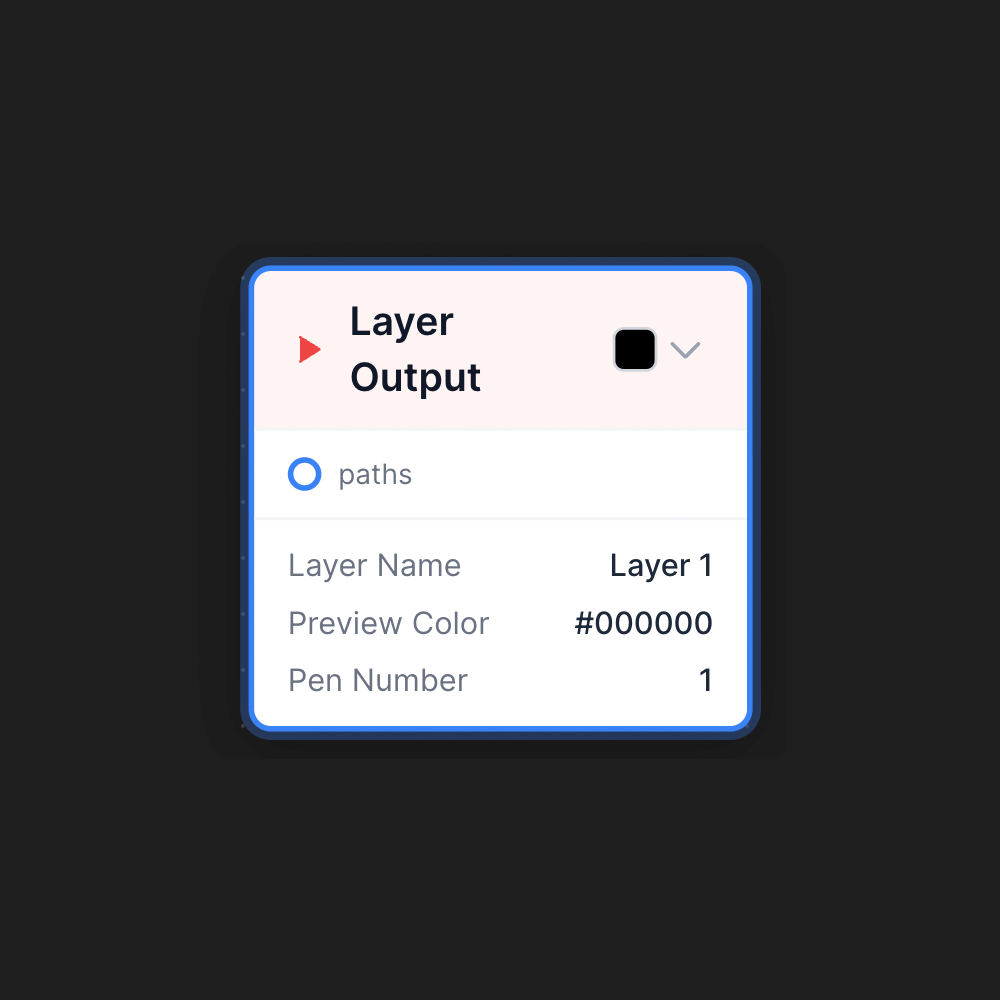
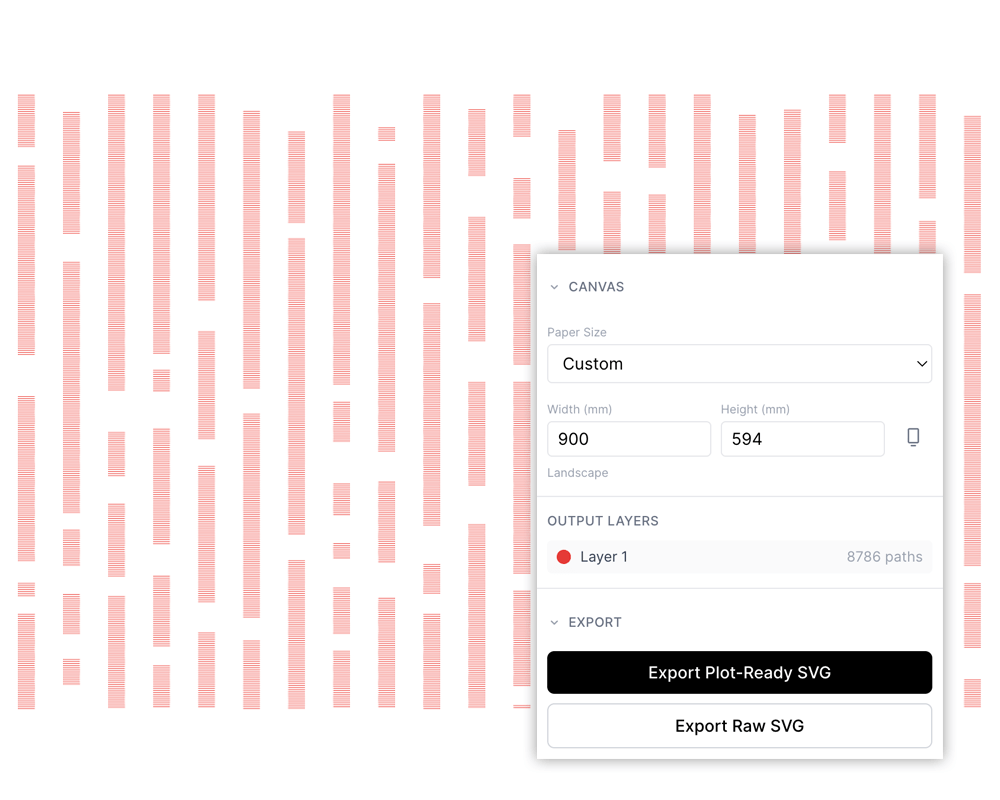
Supports different pen colors by routing paths to separate layers, each assigned to a different pen number for plotting.
Visual Controls
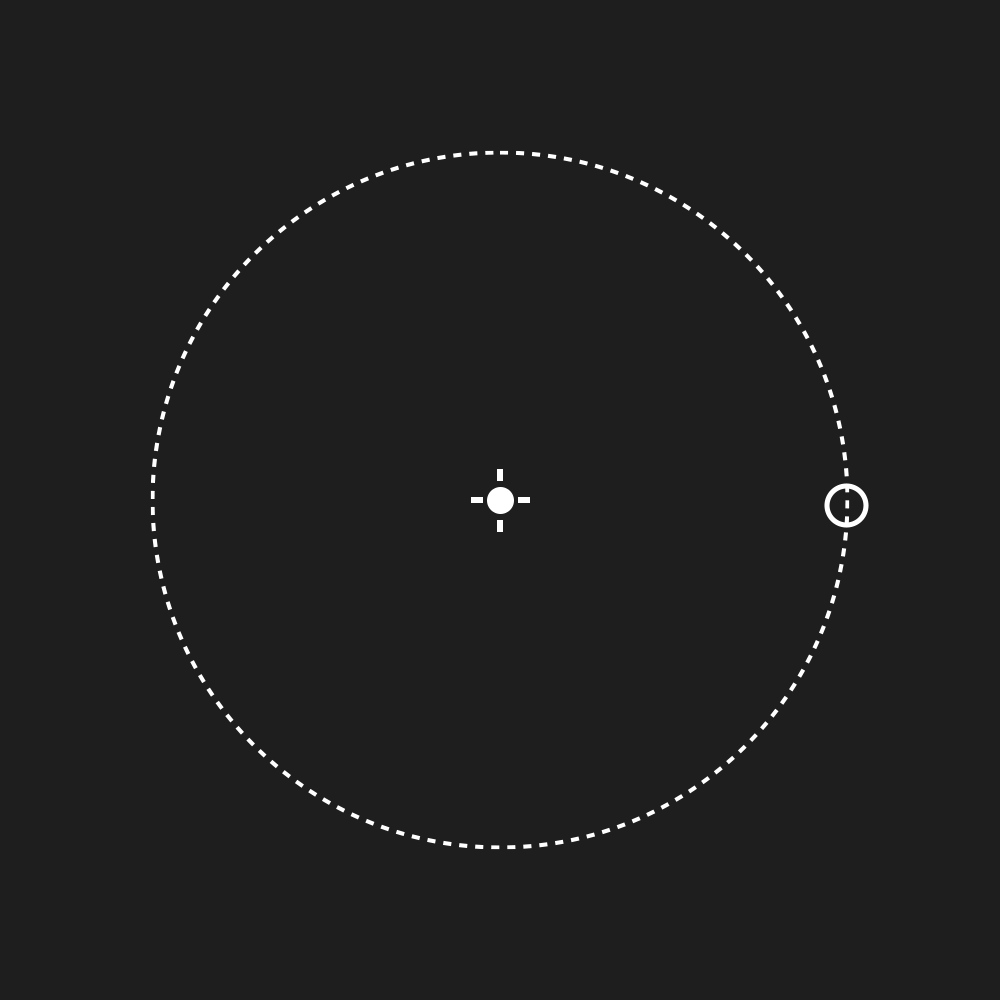
Appear directly on the preview canvas — drag falloff regions, attractor points, and selection areas in real-time.
Tech Stack
Framework React 18 with TypeScript
Build Tool Vite
State Management Zustand
Styling Tailwind CSS
Path Geometry Paper.js
Export Custom SVG Optimization Pipeline
The architecture follows a modular pattern where each generator and modifier is a self-contained module that registers itself with a central registry. The node executor traverses the graph, caching results for performance, and the preview renders paths in real-time as parameters change.
Development Process
PlotCraft was built iteratively through AI-assisted development using Claude. Starting from a basic node graph prototype, features were added incrementally:
- - Core node system with generators and modifiers
- - Visual preview with Paper.js rendering
- - Parameter promotion allowing any value to become a node input
- - Selection system for targeted modifications
- - Data nodes for external API integration
- - On-canvas visual controls for spatial parameters
- - Performance optimizations for complex graphs
Each feature was designed through conversation — describing the desired behavior, then generating implementation prompts for Claude Code to execute. This workflow enabled rapid iteration, with major features going from concept to working implementation in hours rather than days.
Output
PlotCraft exports plot-ready SVG files optimized for pen plotters:
- - Paths sorted to minimize pen travel
- - Stroke-only output (no fills)
- - Layers separated for multi-pen plotting
- - Dimensions in millimeters matching physical paper sizes
The Results
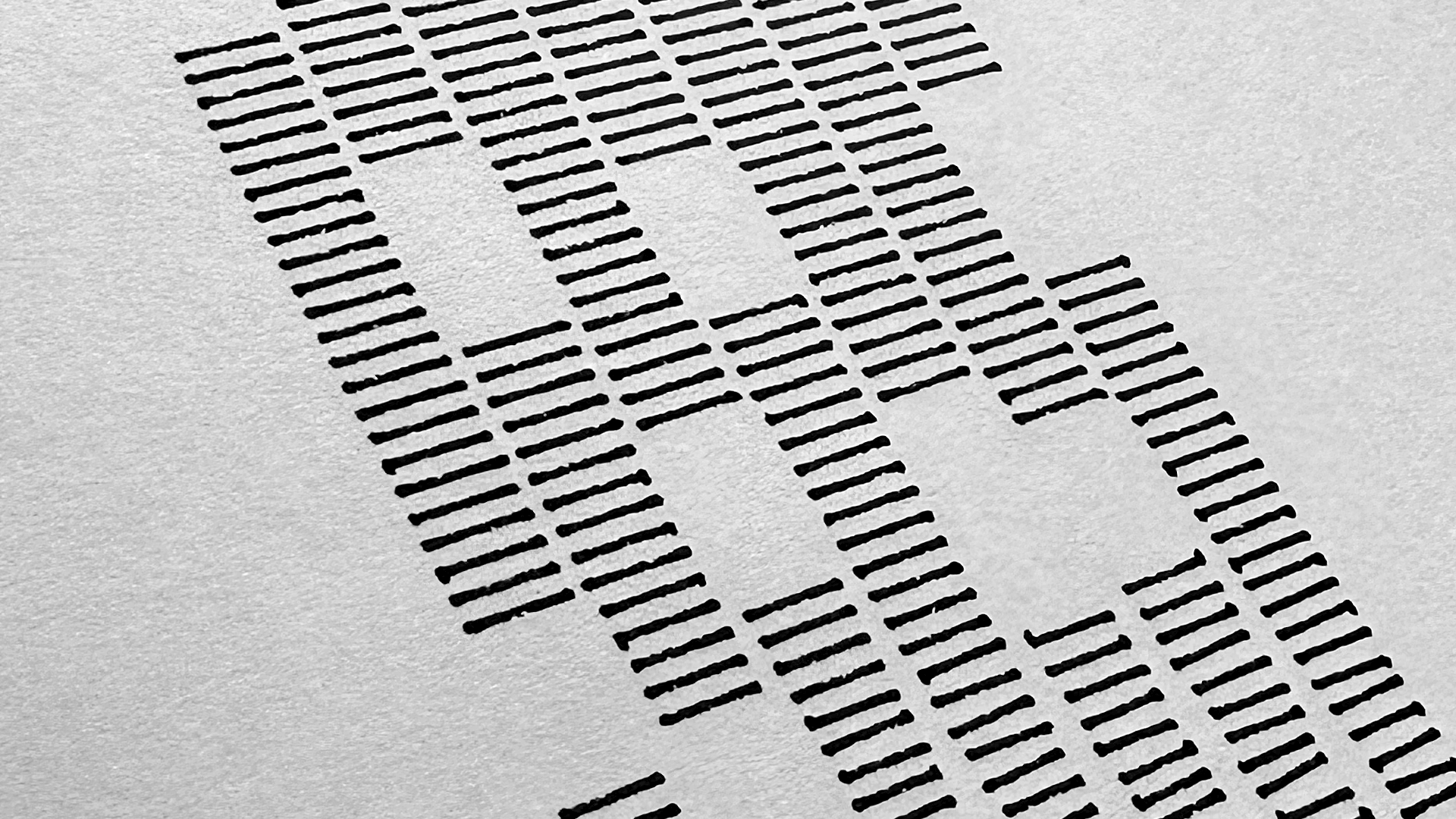
The tool has enabled creation of complex generative artwork that would be difficult to achieve through manual design or traditional coding — flowing particle systems, data-driven visualizations, and intricate geometric patterns, all output as physical pen plots.
JeffLevine.FakeUp@gmail.com