
Product

Color-Snap
Date
2025
Client/Agency
Fake-Up
Role
Creative Direction, Concept, Design & Development

Color-Snap was a self-initiated project built around a single question: what if a moment wasn't captured as a photo, but as a color? That color becomes the memory, tied to a time, a place, a feeling. Simple idea, but one I wanted to take all the way to a real, live, downloadable app on the App Store.
The Challenge
This was really a test of two things at once. How far could I push an AI-assisted development process, going from a fully designed idea into a production iOS app without being a developer myself, and could the result actually be pixel perfect? Those two things don't always coexist, and I wanted to find out where the gaps were.
The Approach
I ran it like a proper client project. Started with the concept, then user flow and UX, then a full UI design in Figma. Nothing visual was AI-generated, that was intentional. I wanted the design completely resolved before development started so I could pressure test the handoff, not paper over an unclear brief with generated assets.
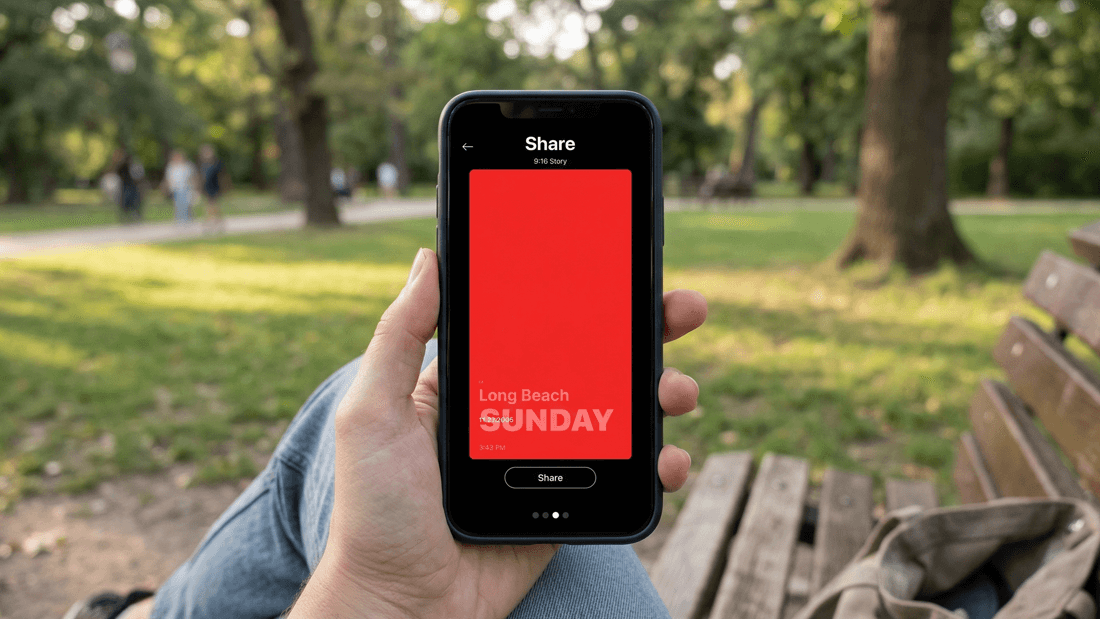
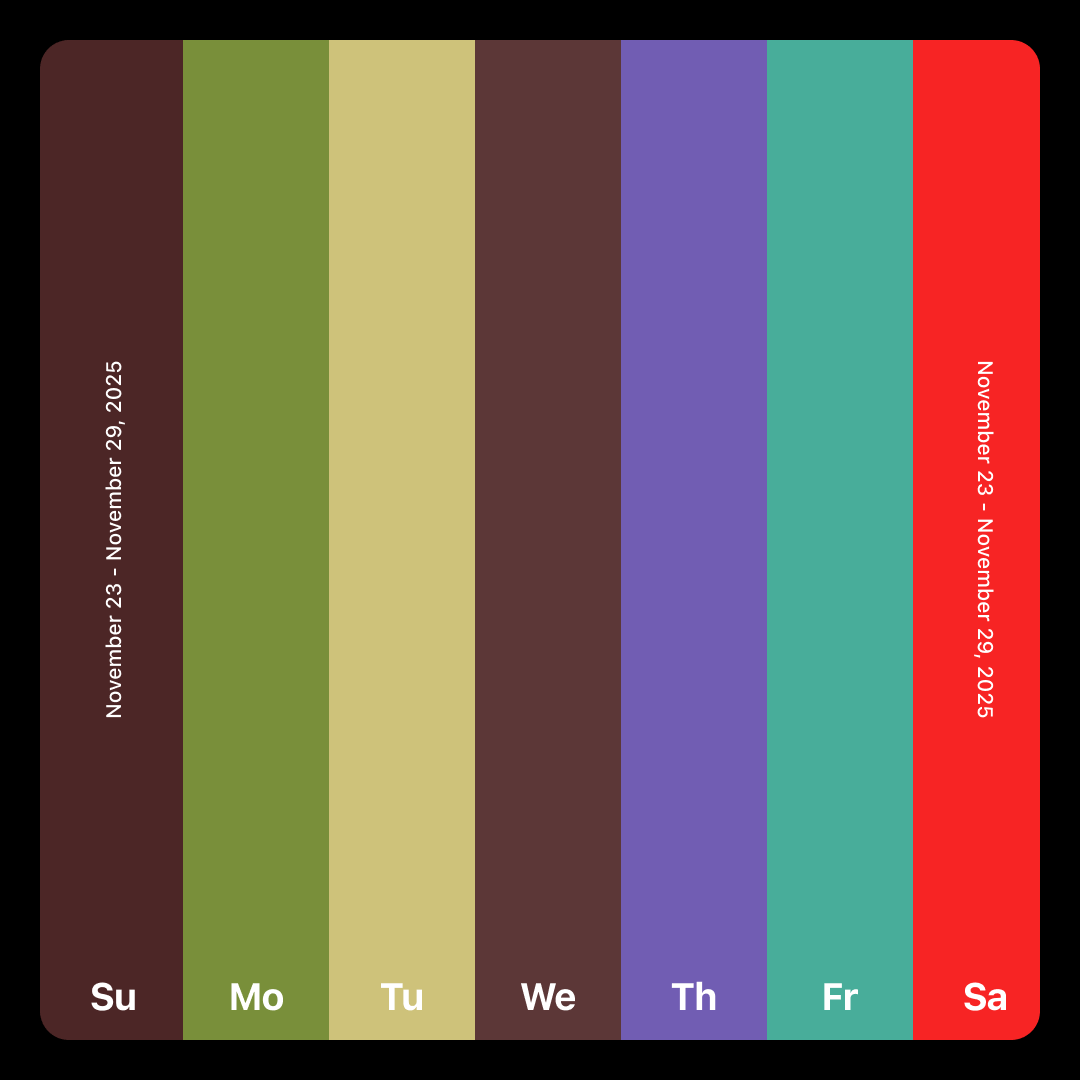
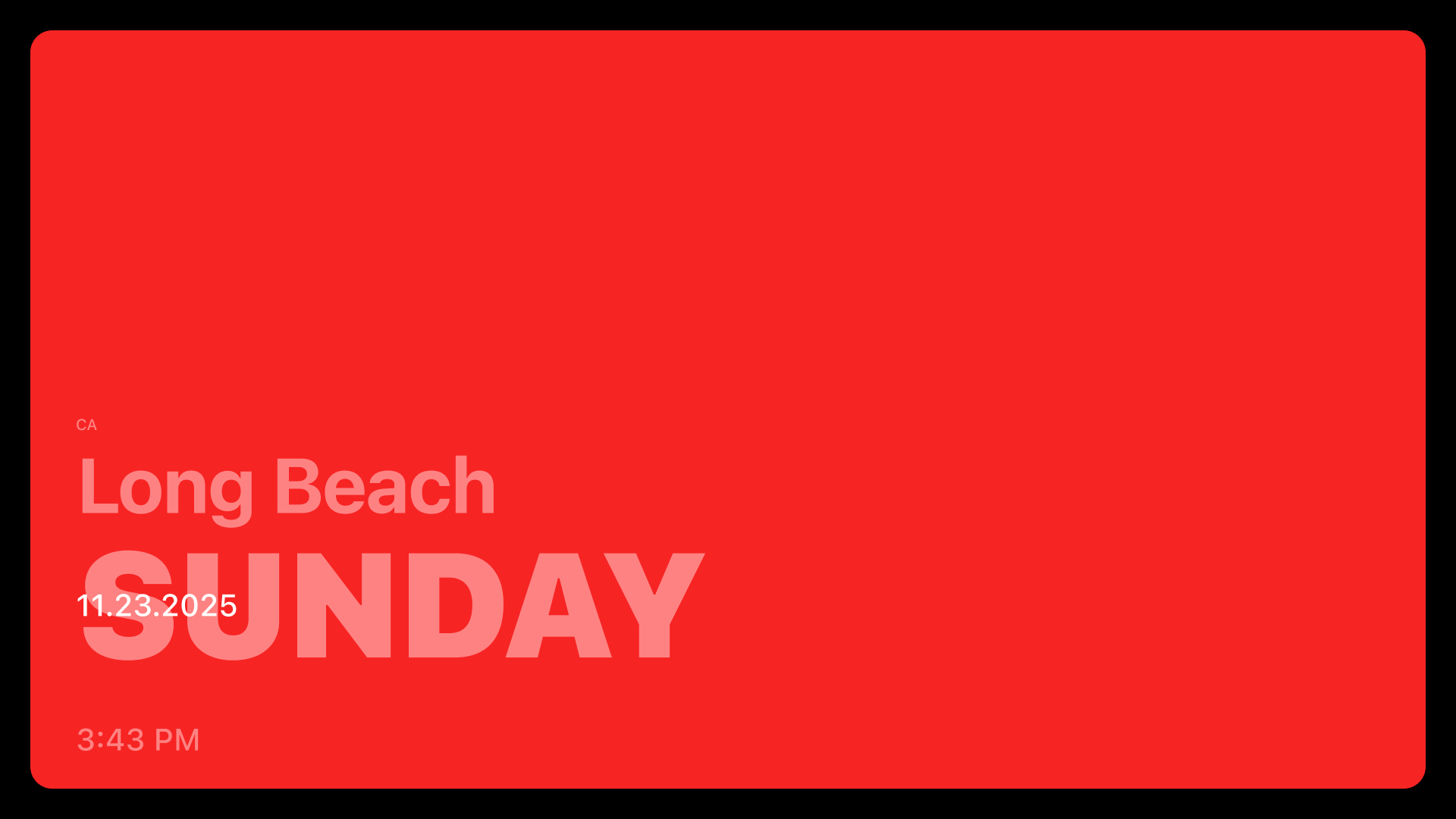
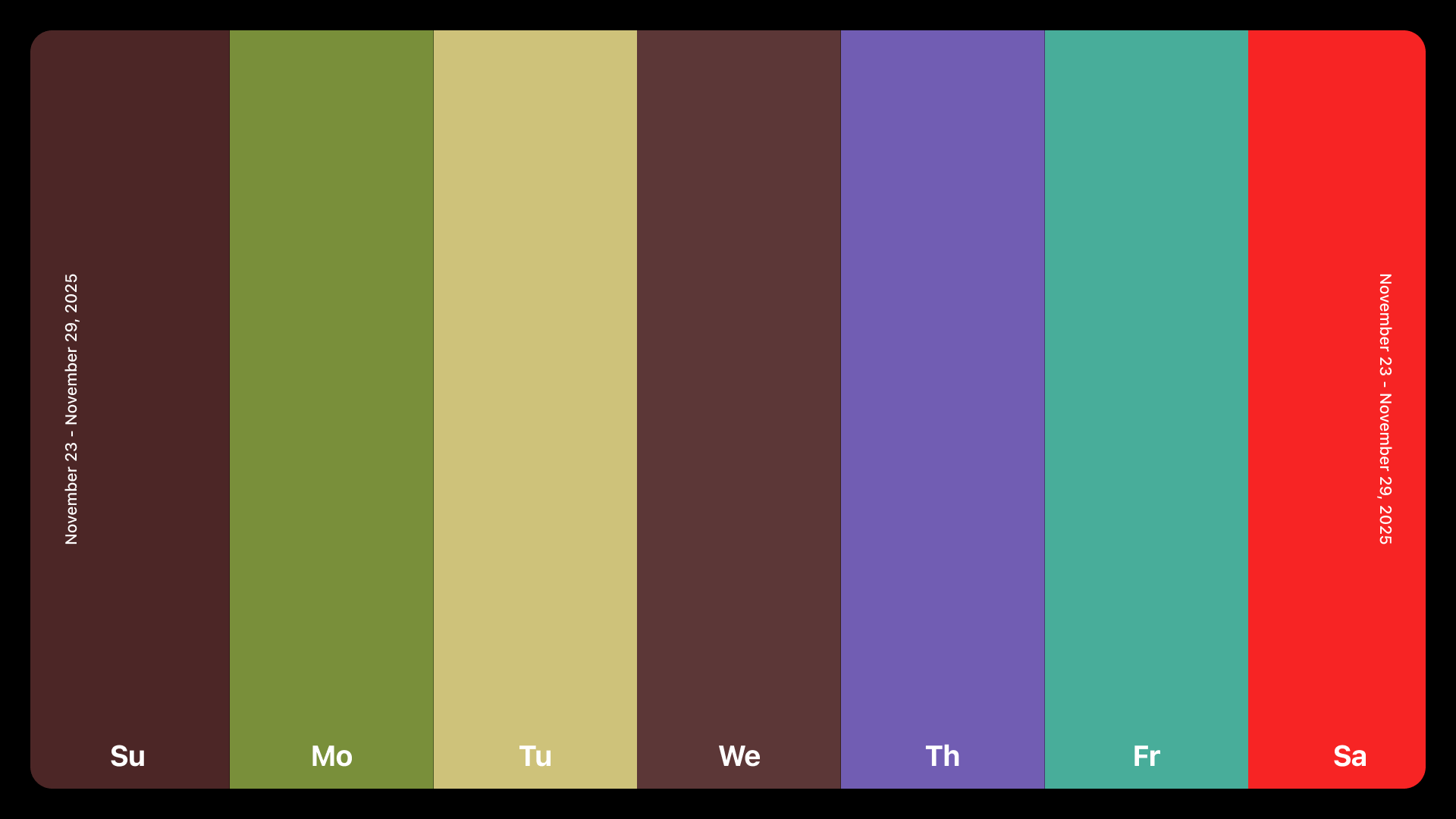
The design direction was minimal by necessity and by choice. The color is the hero. Everything else, typography, layout, spacing, gets out of the way. That same thinking carried into the social sharing feature, where users can share a card showing their captured color alongside the date, time, location, and lat/long coordinates. It's a clean, almost data-like artifact that still feels personal.

App UI Designs
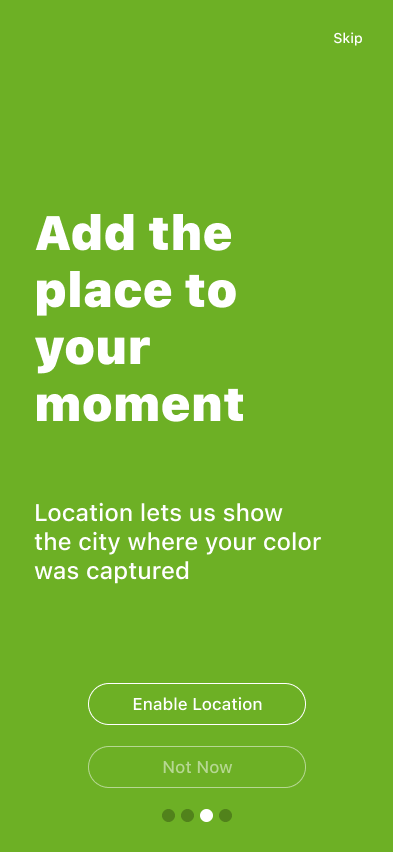
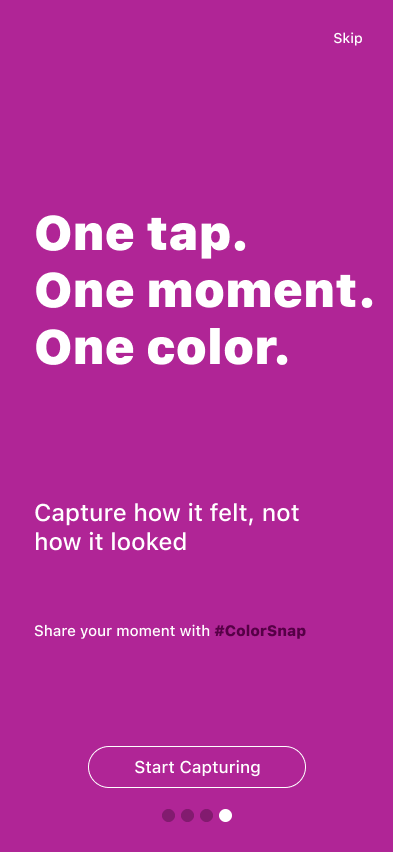
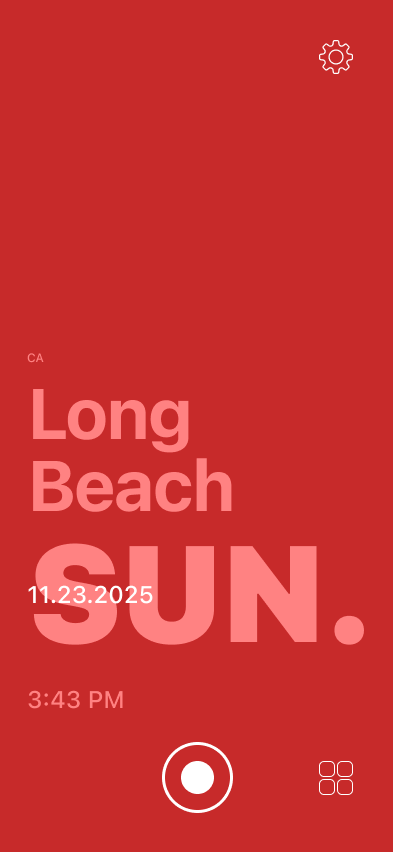
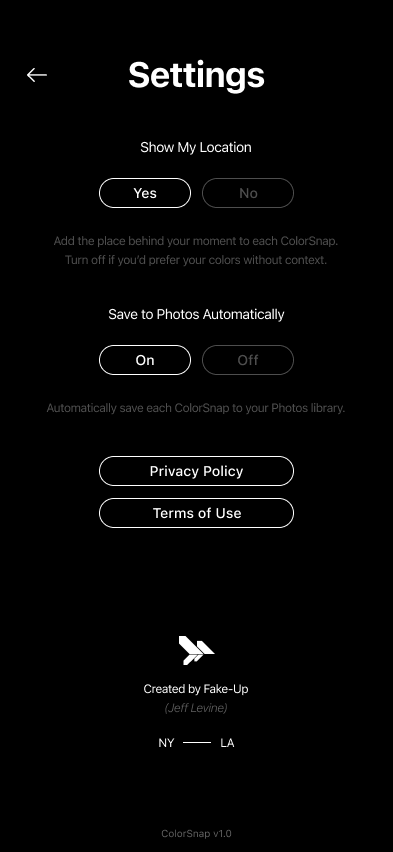
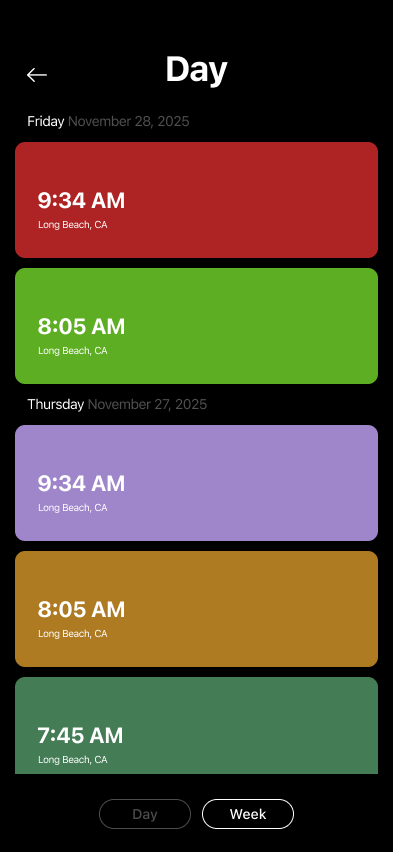
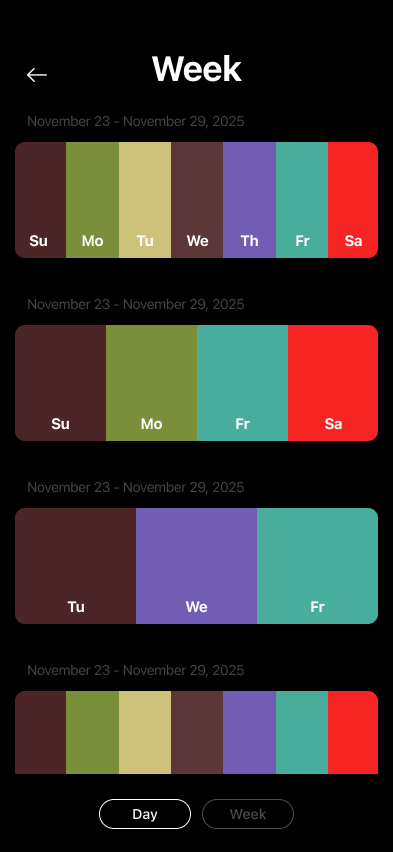
Once the design was done I moved into development using Cursor. We built a project plan together, figured out the tech stack, and worked through it step by step. Having 20+ years alongside developers meant I could have real conversations about what I was building, even if I wasn't writing the code myself.
Two things were genuinely hard. Getting the camera to show a solid dominant color, not a photo, and making it feel responsive enough that moving through a space felt natural and not laggy. The second was getting Figma-level precision into SwiftUI. That took real iteration, and it showed me something honest: there's a meaningful gap between AI-assisted dev and pixel perfection. The thing that worked best wasn't a new tool, it was going straight from Figma to Cursor with screenshots and having direct conversations about what wasn't landing.
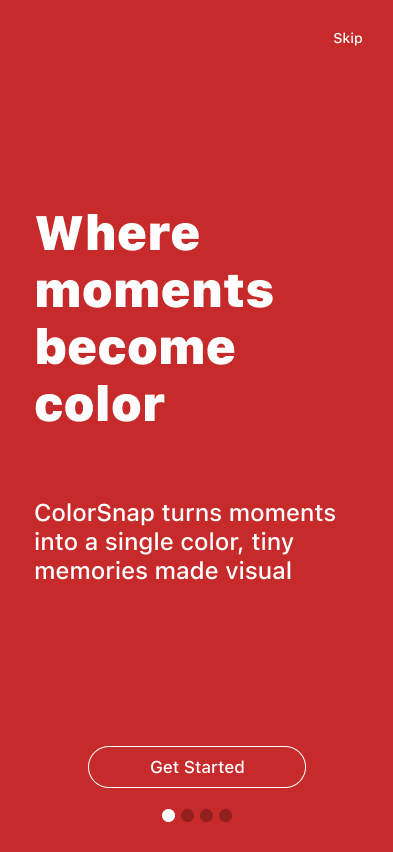
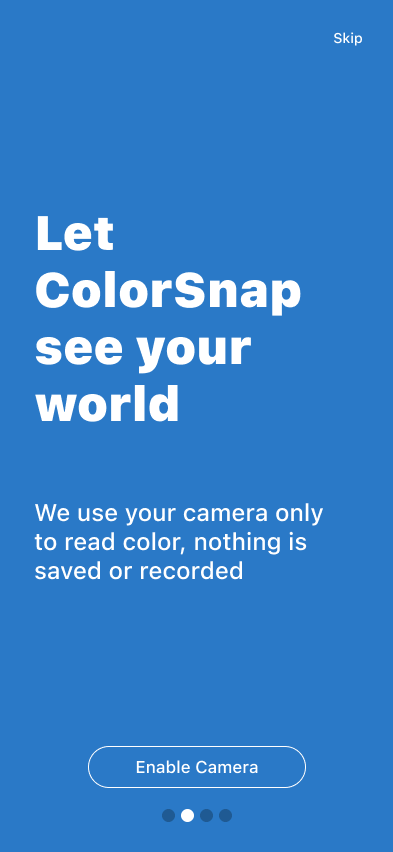
There was also a less obvious technical problem. Certain iOS features like fill fields and the native share sheet need a warmup period on first use. I buried that warmup into the onboarding flow so users never noticed it, but everything was ready the moment they needed it.
Social Assets
The Outcome
Color-Snap is live on the App Store. Anyone can download it. It was never about making money, it was about proving something: that a well-designed, well-considered idea can go from concept to production with AI doing the development heavy lifting, and come out looking exactly like it was supposed to.
Jeff Levine
Fake-Up
Designer, Art Director & Creative Director